Fast on Test, Slow in Production? Copy Oracle SQL Plan Baselines Between Databases (Even in Standard Edition!)
Struggling with queries that run perfectly on test but crawl in production? Discover a proven, step-by-step DBA guide to copy and pin fast SQL Plan Baselines between Oracle databases—even if you are limited to Oracle Standard Edition!

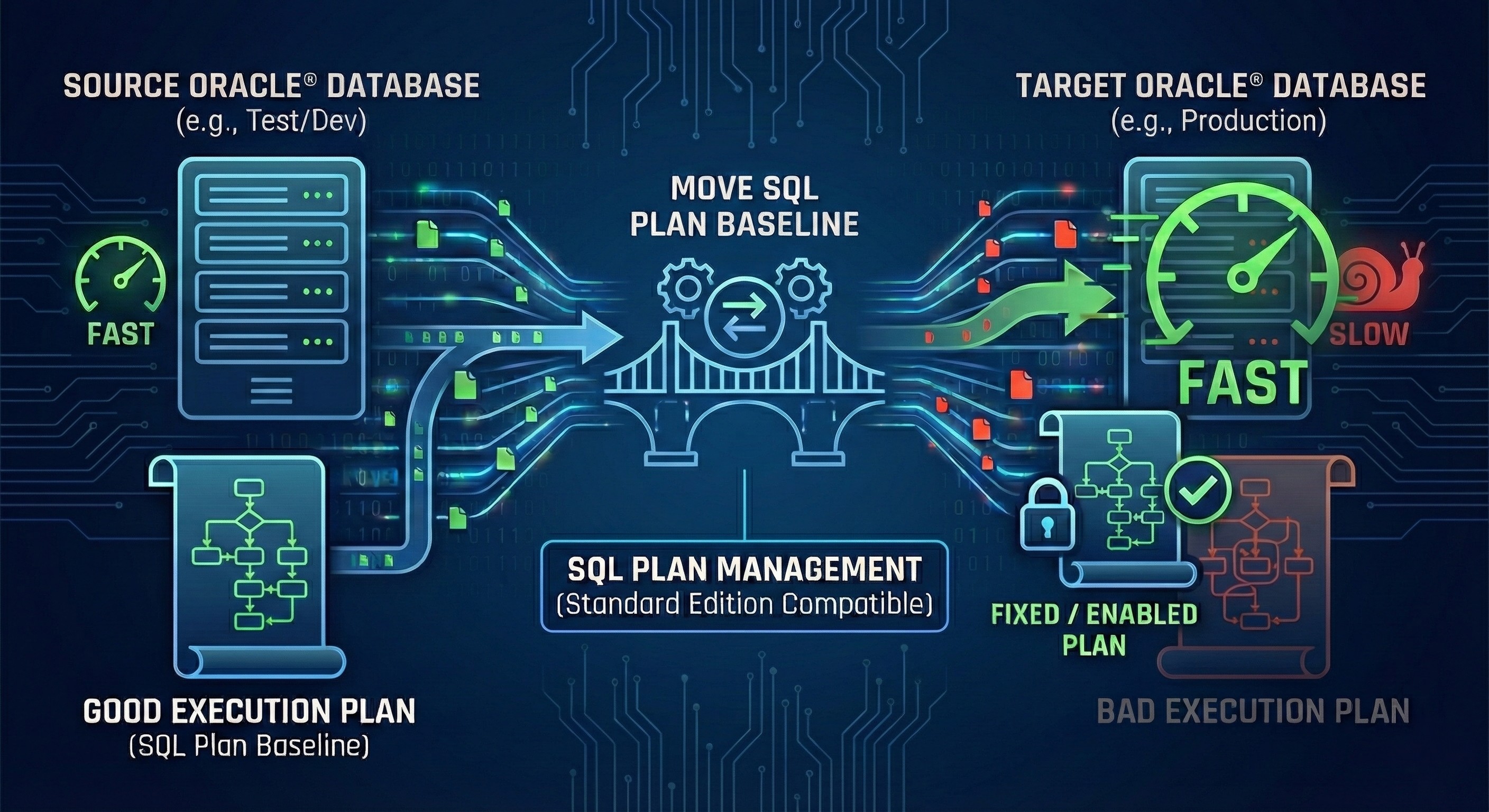
What exactly is an SQL Plan Baseline?
Tuning Oracle database performance can be a real headache. If you use Enterprise Edition, you have the luxury of the Diagnostic and Tuning Pack. But what if you use Oracle Standard Edition (SE) where these tools are not licensed?
Good news: there is a powerful built-in feature you can use even in Standard Edition to lock down good execution plans: SQL Plan Management (SPM) and SQL Plan Baselines.
Here is a classic DBA problem: A query runs perfectly fast on your test database, but crawls in production because the Optimizer picks a terrible execution plan. What do you do?
The solution is simple: copy the fast execution plan from the test environment, import it to production, and "pin" it. This guarantees the Optimizer will use the good plan from now on. Here is a step-by-step guide to moving SQL Plan Baselines.
Checklist Before You Start
For the migrated Baseline to work on the target database, you must meet a few strict requirements:
optimizer_use_sql_plan_baselines parameter: This parameter must be set to TRUE on your target database. It is the default, but verify it using the
command.
Same Database Version: Ideally, your source and target databases should be on the exact same version and patch level. Moving baselines from an older to a newer version usually works, but downgrading might cause issues.
Same Tables and Indexes: The target database must have all the tables, views, and indexes used by the good execution plan. If the test system has an index that production is missing, the Baseline will fail to reproduce.
Exact SQL Text Match: The SQL statement (SQL_TEXT) must be a 100% character-by-character match on both systems. Spaces, line breaks, and uppercase/lowercase letters matter!
Identical Parsing Schema: The user executing the query must be the same so that table names resolve to the exact same objects.
Step-by-Step Guide: Moving the Baseline
(Note: In the code blocks below, remember to replace the dummy identifiers—like SQL_ID, SQL_HANDLE, PLAN_NAME—with the actual values from your own database!)
We will do this in two phases: export from the Source (Test) database, and import to the Target (Production) database.
1. Capture the Good Plan on the Source Database
First, find the SQL_ID of your fast query (you can look it up in the V$SQL view), and load it from the Cursor Cache into a new Baseline:
Verify that the Baseline was created. Take note of the PLAN_NAME and SQL_HANDLE values, because you will need them in the next steps:
Next, we "Fix" (pin) the Baseline. This forces the Optimizer to prioritize this specific plan. Use the handle and plan name you just found:
You cannot export Baselines directly. We have to create a "staging table" first. In this example, we create it under a user named BASELINE_MOVE (you can use any schema or tablespace you like):
Now, pack the fixed Baseline into your staging table:
2. Transfer the Staging Table
Move the staging table to the target server. You can use Data Pump (expdp/impdp), but if you don't have direct access to the server filesystem, the old-school exp/imp client commands work perfectly fine too.
Run this in your OS command line (Source server):
Copy the dump file to the target server, and run this (Target server):
3. Apply the Good Plan on the Target Database
Log into your production (target) database. First, check if there are any existing Baselines:
Now, unpack the Baseline from the staging table into the Oracle Data Dictionary:
Check if the Baseline is active and ready to go:
Crucial Check: Look at the REPRODUCED column. It MUST say YES. This means the Optimizer successfully validated and rebuilt the plan using the indexes on the production server.
That's it! The next time the query runs, Oracle will use your pinned, fast Baseline.
How to Rollback (Drop the Baseline)
If the Baseline causes an unexpected issue or does not give the performance you hoped for, you can easily drop it with this script:
I hope this guide helps you tackle Oracle performance tuning, especially in Standard Edition environments. If you get stuck, feel free to ask in the comments!
Need Oracle DBA Help?
Please check out our Services page to explore how we can support your business, or feel free to reach out to me directly via the Contact page. We are here to help you make the best strategic decisions for your IT infrastructure.


Explore Topics






Newsletter
Never Miss a Crucial Update
Get the latest Oracle and PostgreSQL scripts, security alerts, and DBAInspect news directly to your inbox.
Spotlight

- Our Featured Tool-

Safely audit your Oracle and PostgreSQL environments with our strictly read-only health check tool.

Related Post

on
Jun 4, 2026
Applying an Oracle Release Update (RU) is only half the job. Did you know that new Cost-Based Optimizer (CBO) fixes are disabled by default? Discover how to use the built-in DBMS_OPTIM_BUNDLE package to safely enable execution plan improvements and maximize your database performance.
on
Mar 28, 2026
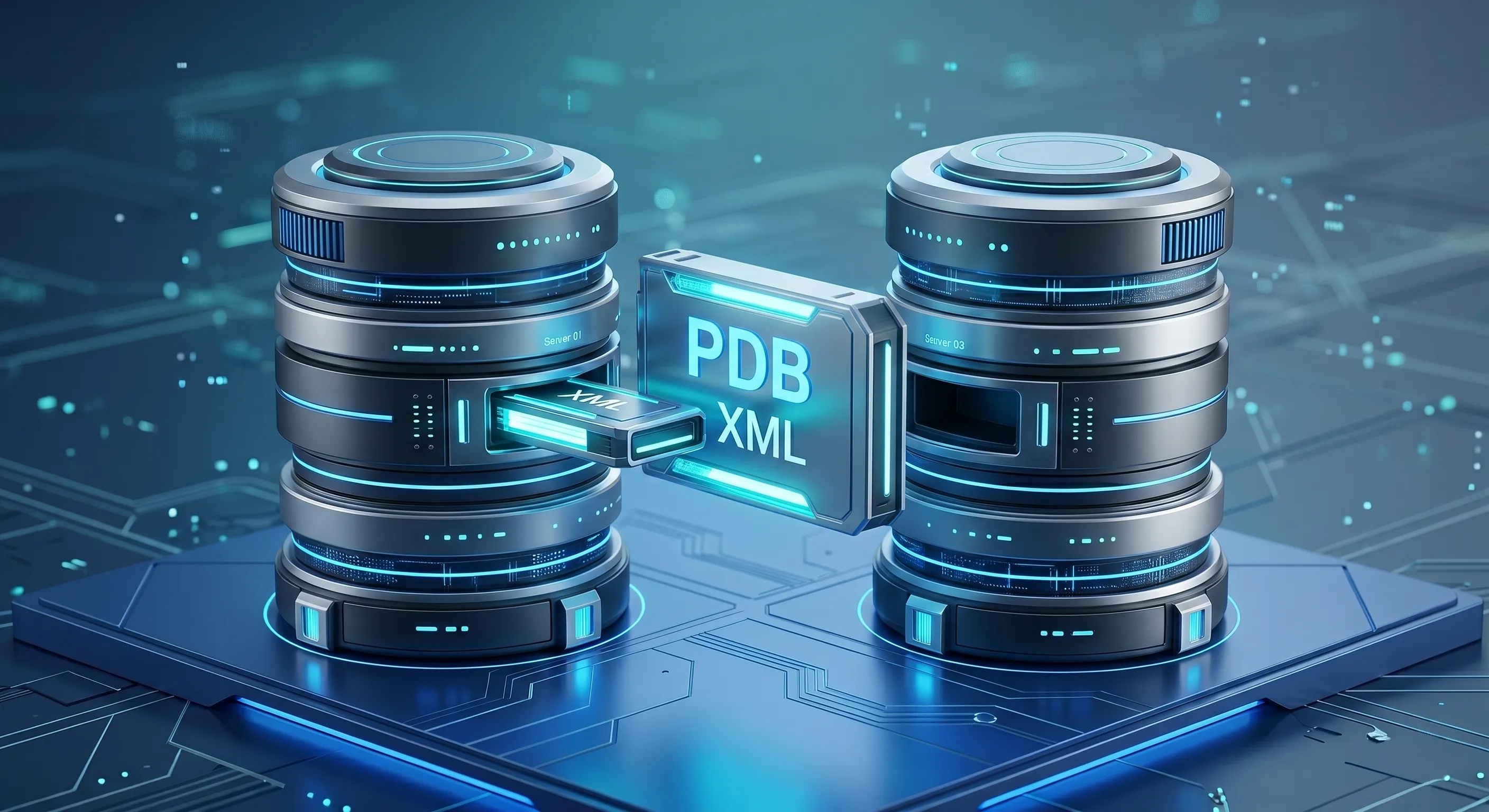
Need to migrate an Oracle Pluggable Database (PDB) but have no database link, and the source is in NOARCHIVELOG mode? Learn how to perform an offline "Cold Clone" using XML metadata and file copying, without permanently unplugging your production database.