The DBA's Hidden Weapon: Oracle DBMS_OPTIM_BUNDLE Explained (19c, 21c, 26ai)
Applying an Oracle Release Update (RU) is only half the job. Did you know that new Cost-Based Optimizer (CBO) fixes are disabled by default? Discover how to use the built-in DBMS_OPTIM_BUNDLE package to safely enable execution plan improvements and maximize your database performance.

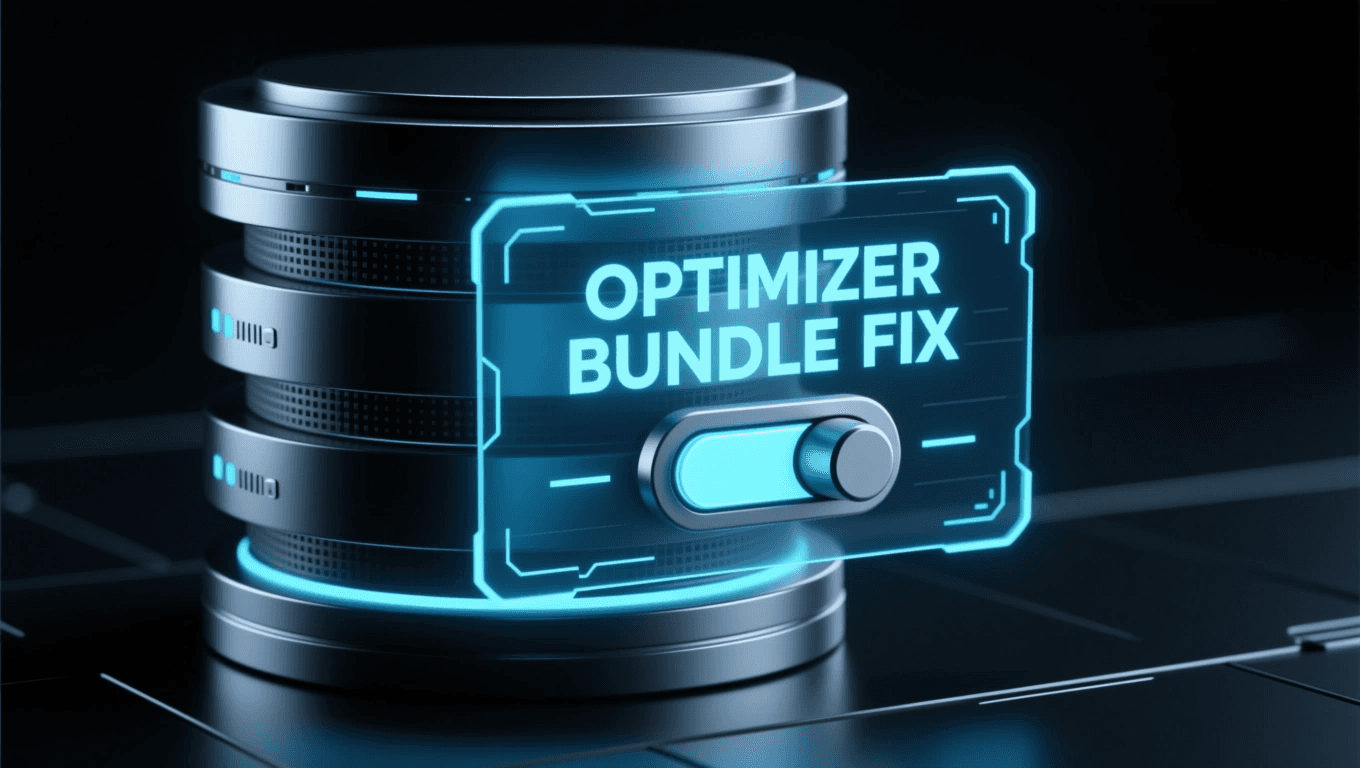
The Missing Link After an Oracle DBRU Patch
As Oracle DBAs, we all patch regularly. We install the latest Release Update (RU) or Release Update Revision (RUR) packages to keep our systems secure and fix bugs. But what happens to the fixes related to the Cost-Based Optimizer (CBO)?
Surprisingly, most DBAs are either unaware of or simply do not use the built-in package specifically designed to centrally manage these optimizer fixes: DBMS_OPTIM_BUNDLE.
Using it can provide immense benefits, especially on modern versions like Oracle 19c, 21c, and 26ai. Many professionals apply an RU and wonder why a specific optimizer bug hasn't been resolved. The answer often lies right here.
What is DBMS_OPTIM_BUNDLE and Why is it Critical?
Oracle (especially since version 12c) is very cautious about altering optimizer behavior. When installing a new patch, Oracle does not automatically activate CBO bug fixes that could alter existing SQL execution plans.
Why? To preserve plan stability. Installing a patch should not cause unexpected, massive performance drops (plan regressions) just because the CBO suddenly became "smarter."
This is where DBMS_OPTIM_BUNDLE comes into play. This PL/SQL package acts as a control panel. It allows us, as DBAs, to make a conscious and controlled decision on whether to enable all the CBO bug fixes (the "bundle") included in the installed RU.
If we skip this step, our database will be up-to-date in terms of security, but its optimizer will still operate using the "old" logic, completely ignoring the performance fixes we just installed.
When to Execute: The Perfect Timing
There are two highly recommended times to activate DBMS_OPTIM_BUNDLE:
1. After a DBRU (Release Update) Installation
This is the most common scenario. Right after installing an RU and opening the database(s) (as a post-patch step). When you apply a new RU (e.g., moving from 19.26 to 19.29), the new optimizer fixes are loaded into the database, but they remain in a "disabled" state. Running DBMS_OPTIM_BUNDLE is the step that actually "arms" these fixes.
2. After a Database Upgrade
The other critical moment is when you upgrade to a new major version (e.g., from 19c to 26ai).
This is so crucial that Oracle explicitly recommends it in their official documentation. According to the 26ai Upgrade Guide, enabling optimizer fixes is a mandatory "Post-Upgrade" step to ensure the database can immediately leverage the new version's CBO enhancements.
Official Oracle 26ai Recommendation: "After the upgrade is complete, enable optimizer fixes... Run the DBMS_OPTIM_BUNDLE.ENABLE_OPTIM_FIXES PL/SQL procedure..." (Source: Oracle 26ai Upgrade Guide - Recommended Practices)
Automatic Activation: How to Do It
We want these optimizer fixes to remain active permanently, even after an instance restart. We can achieve this using the DBMS_OPTIM_BUNDLE.ENABLE_OPTIM_FIXES procedure.
Run the following command as the SYS user (or a user with appropriate privileges):
What do these parameters mean?
'ON': The most important switch. This enables all the fixes included in the bundle. (Naturally, 'OFF' would disable them).
'BOTH': Determines that the fixes apply to both sequential (SERIAL) and PARALLEL executions. This is the most common and recommended setting.
'YES': This parameter ensures persistence. By setting it to 'YES', the configuration survives a database restart. It essentially modifies the internal configuration of the database (more on this below).
Under the Hood: The _fix_control Parameter
The DBMS_OPTIM_BUNDLE package is actually a user-friendly wrapper around Oracle's hidden initialization parameter: _fix_control.
In the past, you had to manually turn individual bug fixes on or off using this parameter, which made management incredibly complex (e.g., _fix_control='1234567:OFF').
When we run the DBMS_OPTIM_BUNDLE command above with the 'YES' option, Oracle internally sets an init.ora parameter that loads at database startup, activating the entire bundle of fixes. We no longer have to manually hunt for and set individual _fix_control values.
The Emergency Brake: How to Disable Fixes
Anything can happen. If, after enabling the new fixes (and during testing), you notice that the performance of a critical SQL query has dropped dramatically (plan regression), you need a way to roll back quickly.
Disabling them is logical; it is essentially the "opposite" of the enable command:
Thanks to the 'YES' parameter, this command also persistently disables the entire optimizer fix bundle, safely returning your database to its pre-patch optimizer behavior.
The Golden Rule of Optimizer Tuning: ALWAYS TEST!
This is the most important paragraph in this article.
NEVER ENABLE DBMS_OPTIM_BUNDLE DIRECTLY ON A PRODUCTION SYSTEM WITHOUT TESTING!
Why? Because the very goal of these optimizer fixes is to change execution plans. In most cases, they change for the better. However, there is always a risk that an SQL query running "perfectly" (perhaps due to previously bad statistics) will suddenly change its plan and cause a performance degradation.
The proper procedure:
Clone your production database to a TEST or UAT environment.
Install the new DBRU (or perform the upgrade) in the test environment.
Measure! Run your key business processes and batch jobs. Use AWR reports or the SQL Performance Analyzer (SPA) to establish a baseline.
Activate DBMS_OPTIM_BUNDLE on the test system (using the ...('ON','BOTH','YES') command described above).
Measure again! Run the exact same processes.
Analyze! Look for SQL plan changes and regressions. If you find a degrading SQL statement, address it specifically (e.g., using SQL Patch or SQL Plan Management (SPM)) before even considering production.
Only after successful testing and fixing any regressions should you perform this operation on your production system (during a scheduled maintenance window, of course).
Summary
DBMS_OPTIM_BUNDLE is a highly effective yet unfairly neglected tool in an Oracle DBA's arsenal. If you have only been installing DBRUs or upgrading versions without ever activating the optimizer fixes, your database is not truly utilizing the full potential of your patching efforts.
Manage it consciously, test it thoroughly, and use it to maximize the performance of your 19c, 21c, 23ai, and 26ai databases!
Need Oracle DBA Help?
Please check out our Services page to explore how we can support your business, or feel free to reach out to me directly via the Contact page. We are here to help you make the best strategic decisions for your IT infrastructure.


Explore Topics






Newsletter
Never Miss a Crucial Update
Get the latest Oracle and PostgreSQL scripts, security alerts, and DBAInspect news directly to your inbox.
Spotlight


- Our Featured Tool-

Safely audit your Oracle and PostgreSQL environments with our strictly read-only health check tool.

Related Post
on
Mar 28, 2026
Need to migrate an Oracle Pluggable Database (PDB) but have no database link, and the source is in NOARCHIVELOG mode? Learn how to perform an offline "Cold Clone" using XML metadata and file copying, without permanently unplugging your production database.
on
May 28, 2026
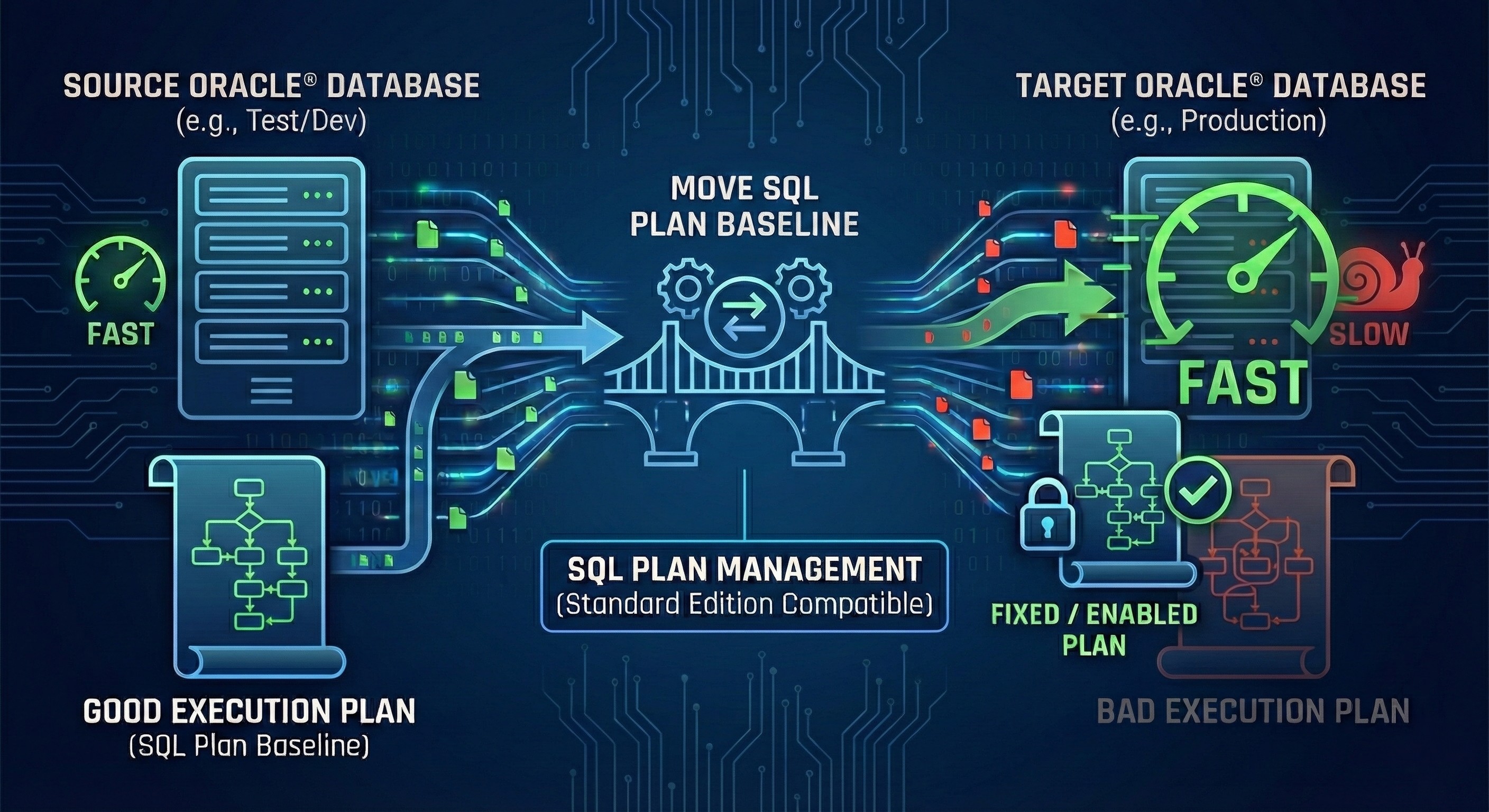
Struggling with queries that run perfectly on test but crawl in production? Discover a proven, step-by-step DBA guide to copy and pin fast SQL Plan Baselines between Oracle databases—even if you are limited to Oracle Standard Edition!